Color picker for your iPhone camera and photos
Point Swatchr at anything and read its color as hex, RGB, HSL and CMYK on one card. Tap the format you need and it goes to the clipboard.
Download on the App StoreFree download. iOS 18 or later. No account, works offline.
What Swatchr does
Live camera picker
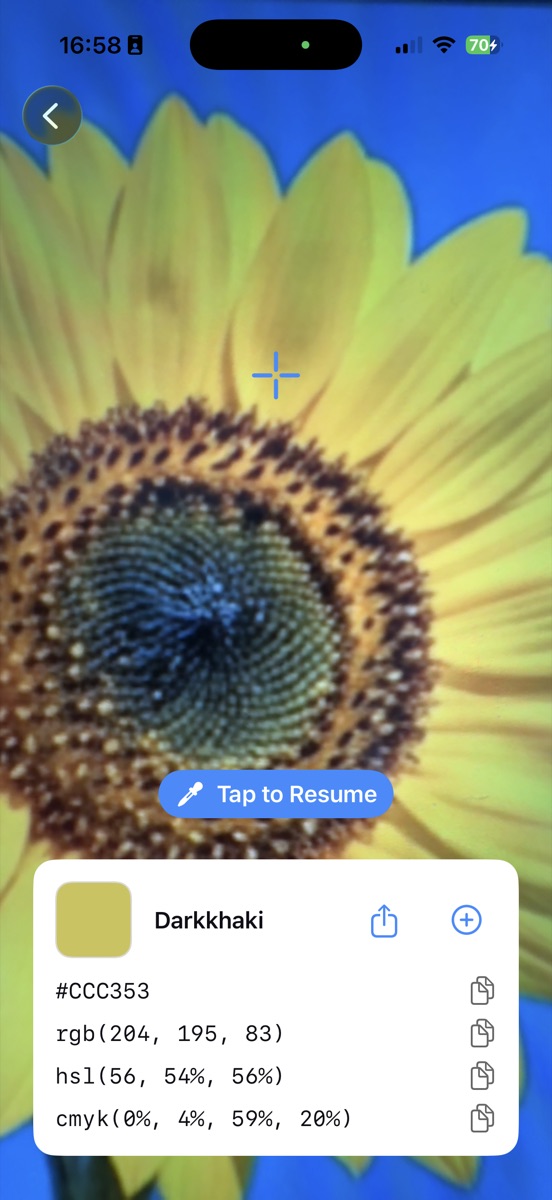
Drag the crosshair over anything the camera can see. The color reads out as you move, so you can hunt for the exact shade instead of taking a photo and hoping.
Pick from your photo library
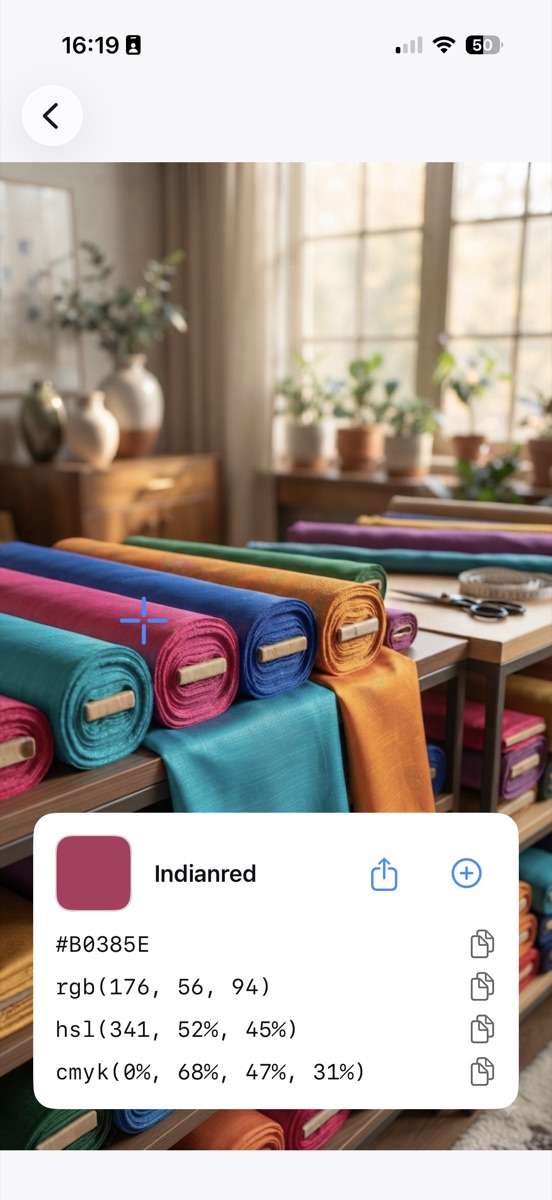
Open any saved image and tap a point in it. Useful for screenshots, product photos and reference shots taken months ago.
Four formats, always visible
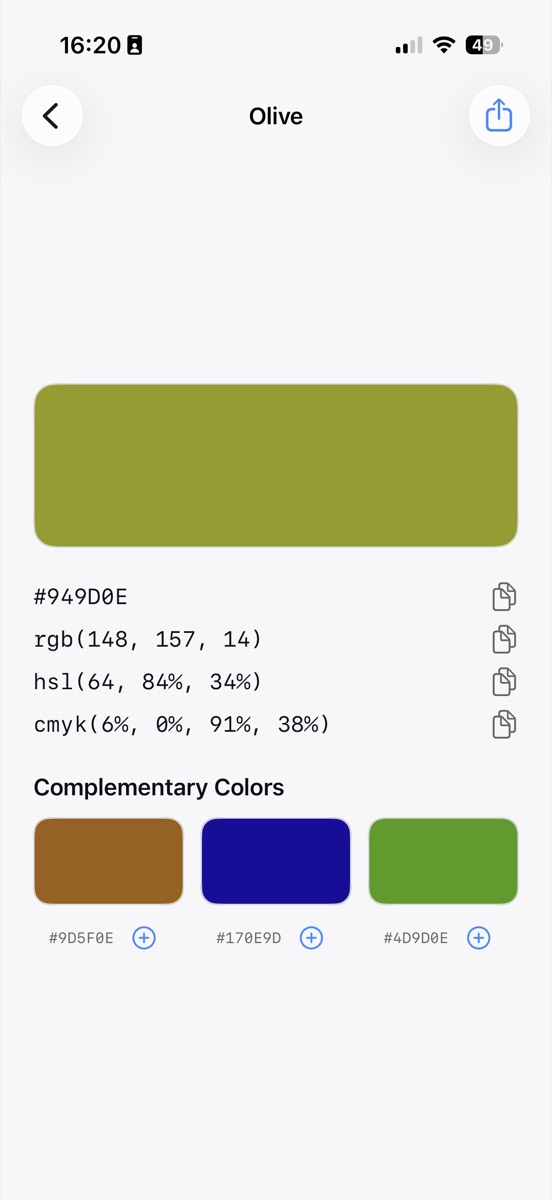
Hex, RGB, HSL and CMYK sit on screen together. Tap the one you need and it goes to the clipboard. No format switcher, no menu.
A name for every color
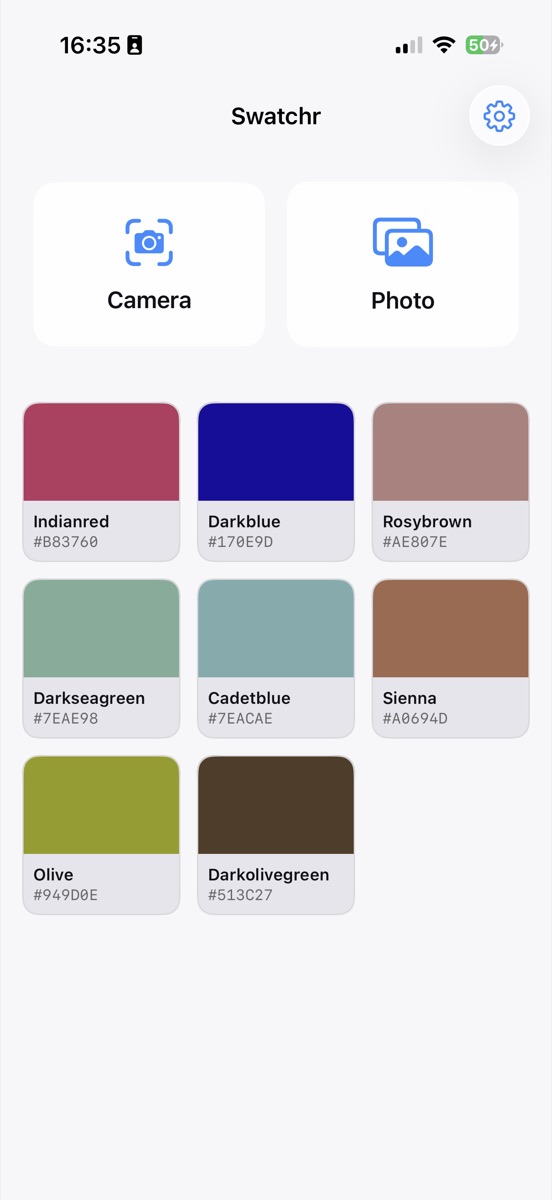
Each pick is matched to the nearest of the 140-odd CSS color keywords, so you get Cadetblue or Rosybrown rather than only a six-digit code.
Harmony suggestions
Alongside each color you get its opposite on the wheel and the two neighbors 30 degrees either side, all with their own hex codes.
Saved palette, widget and export
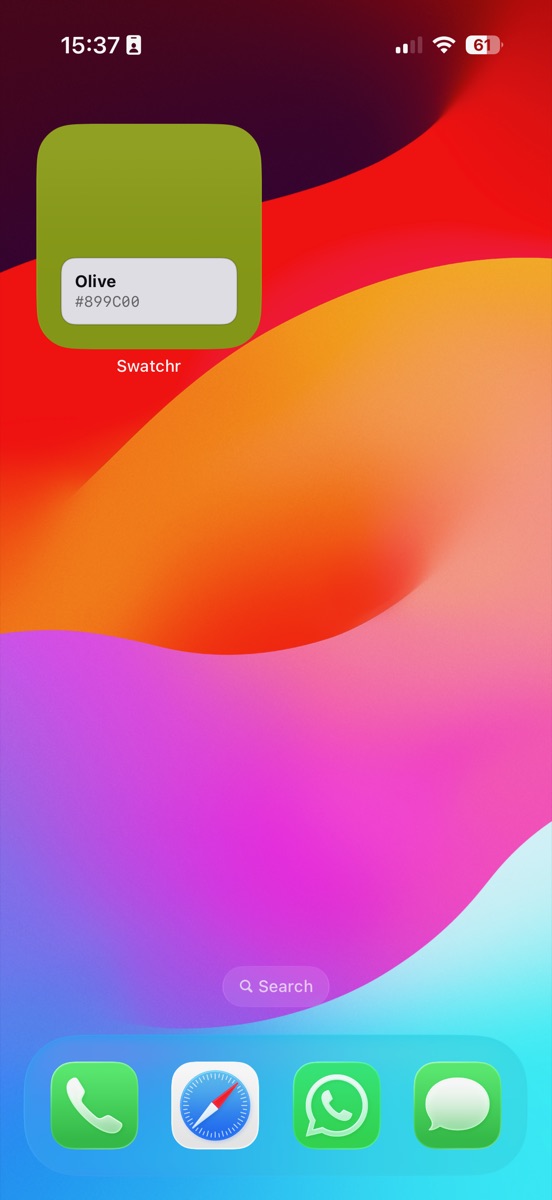
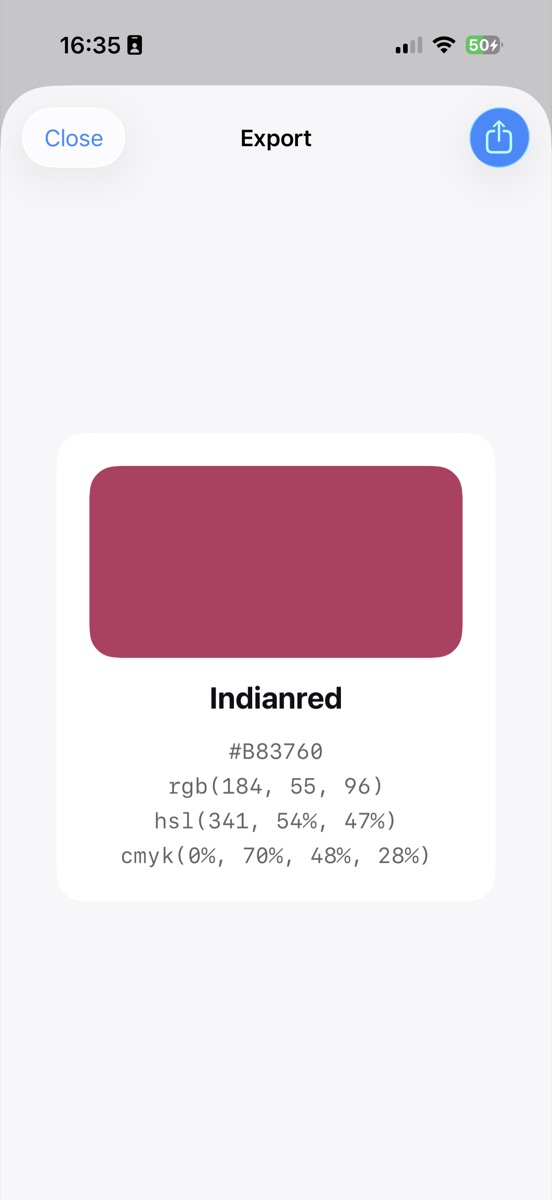
The one-time unlock adds an unlimited saved palette, a Home Screen widget showing your latest color, and export cards you can share.
How it works
Open the camera or a photo
Two buttons on the first screen. Nothing to set up, no account to make.
Move the crosshair
Drag it over the color you want. Tap once to freeze the reading so a shaky hand doesn't lose it.
Tap the code you need
Hex for CSS, RGB for most design tools, HSL for tweaking, CMYK for anything heading to print.
A look at the app
Guides
Short, practical answers to the color questions that send people looking for an app in the first place.

How to Find the Hex Code of a Color in a Photo on iPhone
Three ways to pull a hex code out of a photo on iPhone, including the eyedropper hidden in iOS Markup and a faster route that gives you RGB, HSL and CMYK at the same time.
Read the guide
How to Pick a Color With Your iPhone Camera
Use your iPhone camera as a live eyedropper to read the color of a wall, fabric or printed sample, and get a hex code without taking a photo first.
Read the guide
Hex, RGB, HSL and CMYK: Which Color Code Should You Use?
What hex, RGB, HSL and CMYK actually describe, how they relate to each other, and which one to reach for when you are writing CSS, working in a design tool or sending a file to print.
Read the guide
How to Get CMYK Values From a Color in a Photo
Read the CMYK breakdown of any color from a photo or your camera, and understand why the numbers are a starting point for print rather than a press-ready specification.
Read the guide
How to Find Complementary Colors for Any Color
Find the complement of any color by rotating its hue 180 degrees, plus the analogous shades either side, with the hex codes worked out for you.
Read the guide
How to Save a Color Palette on iPhone
Keep the colors you pick in a palette on your iPhone, organize them by name and hex code, and get at them again without a screenshot folder or a notes file.
Read the guide
How to Identify a Color You Can't Name
Put a name to a color you can only point at, using the standard CSS color keywords, and get the hex code that goes with it.
Read the guide
Put a Color Picker Widget on Your iPhone Home Screen
Add a Home Screen widget that shows your most recent saved color as a filled swatch with its name and code, so the palette you are working to is always visible.
Read the guideQuestions
How do I find the hex code of a color in a photo on my iPhone?
Open the photo in Swatchr, tap the point you want, and the hex code appears with the RGB, HSL and CMYK values underneath. Tap the hex row to copy it. iOS also has a hidden eyedropper in the Markup tool, though it only gives you one value at a time.
Can I pick a color from my camera instead of a photo?
Yes. The camera view samples continuously as you drag the crosshair, so you can read the color of a wall, a fabric or a printed sample without photographing it first. Tap to freeze the reading once you have it.
What is the difference between hex, RGB, HSL and CMYK?
Hex and RGB describe the same screen color in different notation. HSL splits it into hue, saturation and lightness, which makes manual adjustment much easier. CMYK describes ink coverage for print.
Does Swatchr give CMYK values for print work?
It does, on the same readout as everything else. Treat the numbers as a starting point rather than a press-ready spec, because the conversion has no printer profile behind it.
How do I find a color that goes with the one I picked?
Swatchr shows three suggestions under each color: the hue rotated 180 degrees, and the two hues 30 degrees either side. Saturation and lightness stay put so the suggestions look related rather than random.
Can I save colors into a palette?
The saved palette is part of the one-time unlock. Once it is on, there is no limit on how many colors you keep, and they stay on the device rather than syncing to a server.
What if I do not know what a color is called?
Every pick is matched to its nearest CSS color keyword, so a murky yellow-green comes back as Darkolivegreen. It is an approximate match by distance in RGB, which is enough to describe a color to somebody else.
Is there a Home Screen widget?
Yes, included in the unlock. The small widget shows your most recent saved color as a filled swatch with its name and code, which is handy when you are working to a palette all week.
Does Swatchr work without an internet connection?
Everything runs on the device. There is no account, no sync and no server, so the camera and photo picking both work in airplane mode.
How much does Swatchr cost?
The download is free and the camera picking, photo picking and all four format codes are free with no usage limit. Saving to a palette, the widget and export cards are behind a single one-time purchase, not a subscription.
Get Swatchr
The camera picking, the photo picking and all four format codes are free with no usage limit. One purchase adds the saved palette, the widget and export cards.
Download on the App Store