Hex, RGB, HSL and CMYK color codes explained
Hex and RGB are the same information written two ways: three channel values from 0 to 255, either in decimal or as pairs of hexadecimal digits. HSL rewrites that same color as hue, saturation and lightness, which makes it far easier to adjust by hand. CMYK is a different beast: it describes ink on paper, not light on a screen.
Hex and RGB describe the same thing
#B0385E and rgb(176, 56, 94) are one color. Take 176, write it in base 16 and you get B0. Do the same with 56 and 94 and you get 38 and 5E. That is the entire relationship.
Which you use is a matter of context. CSS and most design tools accept both. Hex is more compact and survives being pasted into a chat window; RGB is easier to read when you want to know that the red channel is roughly three times the green.
HSL is the one worth learning
HSL splits a color into hue in degrees around a wheel, saturation as a percentage, and lightness as a percentage. hsl(341, 52%, 45%) is the same Indianred as above.
The advantage shows up the moment you want a variation. Making a color 10% lighter in hex means guessing at three separate numbers. In HSL you add ten to the last value. Building a set of tints, finding a hover state, or checking whether two colors share a hue are all trivial in HSL and fiddly in hex.
CMYK is about ink, and it does not fully overlap
CMYK gives four percentages for cyan, magenta, yellow and black ink. Screens emit light and get brighter as you add color; ink absorbs light and gets darker. The two describe overlapping but different sets of colors.
Some screen colors have no CMYK equivalent at all. Bright saturated blues and greens are the usual casualties: the vivid #00A3FF you approved on a monitor will print duller, and no conversion setting fixes that. Knowing the CMYK number early tells you which colors are going to be a problem.
Picking the right one
For CSS and web work, hex. For design tools and anything where you are reasoning about channels, RGB. For building variations and checking relationships, HSL. For print, CMYK, with a proof before you commit to a run.
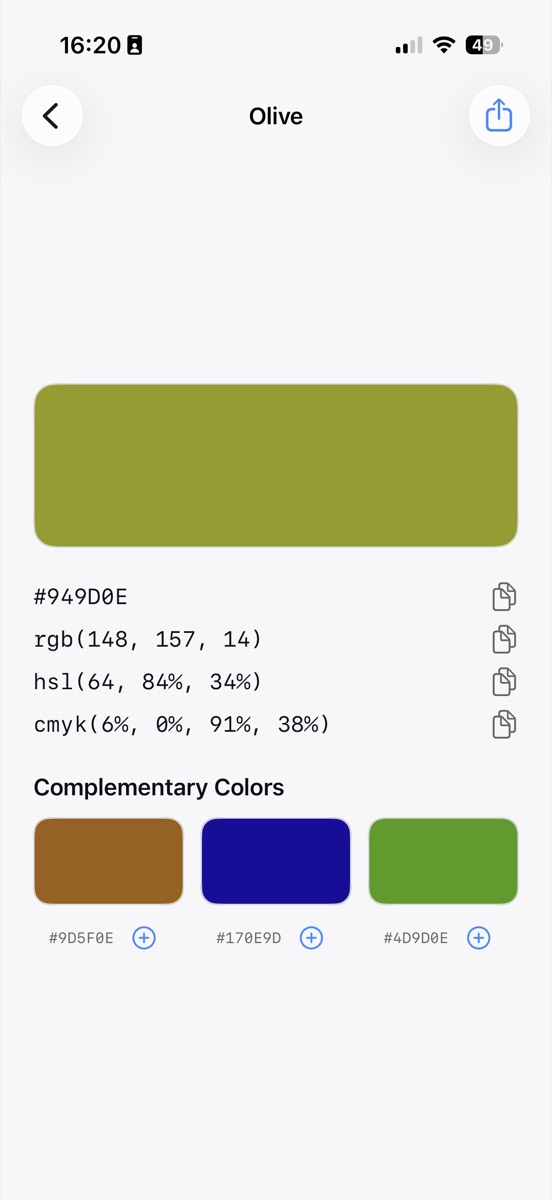
In practice you want the same color in more than one of these on the same day, which is the argument for having all four on screen at once rather than converting between them.
Common questions
What about HSB and HSV?
HSB and HSV are the same model as each other, and close to HSL but not identical. They use brightness rather than lightness, so full brightness gives you a saturated color where full lightness in HSL gives you white.
Is a hex code with eight digits valid?
Yes, in CSS. The last two digits are alpha, so #B0385E80 is that color at about 50% opacity.
Try it yourself
Swatchr reads the color of anything your camera can see, or any point in a photo, and hands you the hex, RGB, HSL and CMYK.
Download on the App Store